back to blog
Game Dev
Unity vs Unreal: Which One Is Better?
My experience working with Unity and Unreal Engine, comparing tools, rendering, platforms, workflow, and what actually matters when choosing the right engine
L&D
LoArt & Dev
Author
Mar 26, 20266 min read
#unity#unreal-engine#game-engine#game-development#game-design
This is a very hard question to answer just by looking around or comparing features. You might like one more than the other, or even say that Godot is the actual answer. To be fair, I struggle with that question constantly too, but I have had the opportunity to work with both engines on very different, yet still similar, projects.
How should I choose?
Well, let’s start with the simple part: both engines are really good. What you actually need to do is sit down and figure out which engine fits you best, and also which one fits your project best.
Take your time, make a GDD for your game, and define your scope. What platforms are you targeting? What hardware are you targeting? What are your current skills?
Most of the time, people forget that these two engines are completely different. One is mainly built around C#, while the other has a bit of everything: C++, C#, Python, and Blueprints. Unity also has visual scripting, but I haven’t really used it.
This matters a lot when choosing your engine. You do not want to spend all your time trying to learn how to do basic coding when what you really want is to make your project.
Choose the engine that fits the skills you already have.
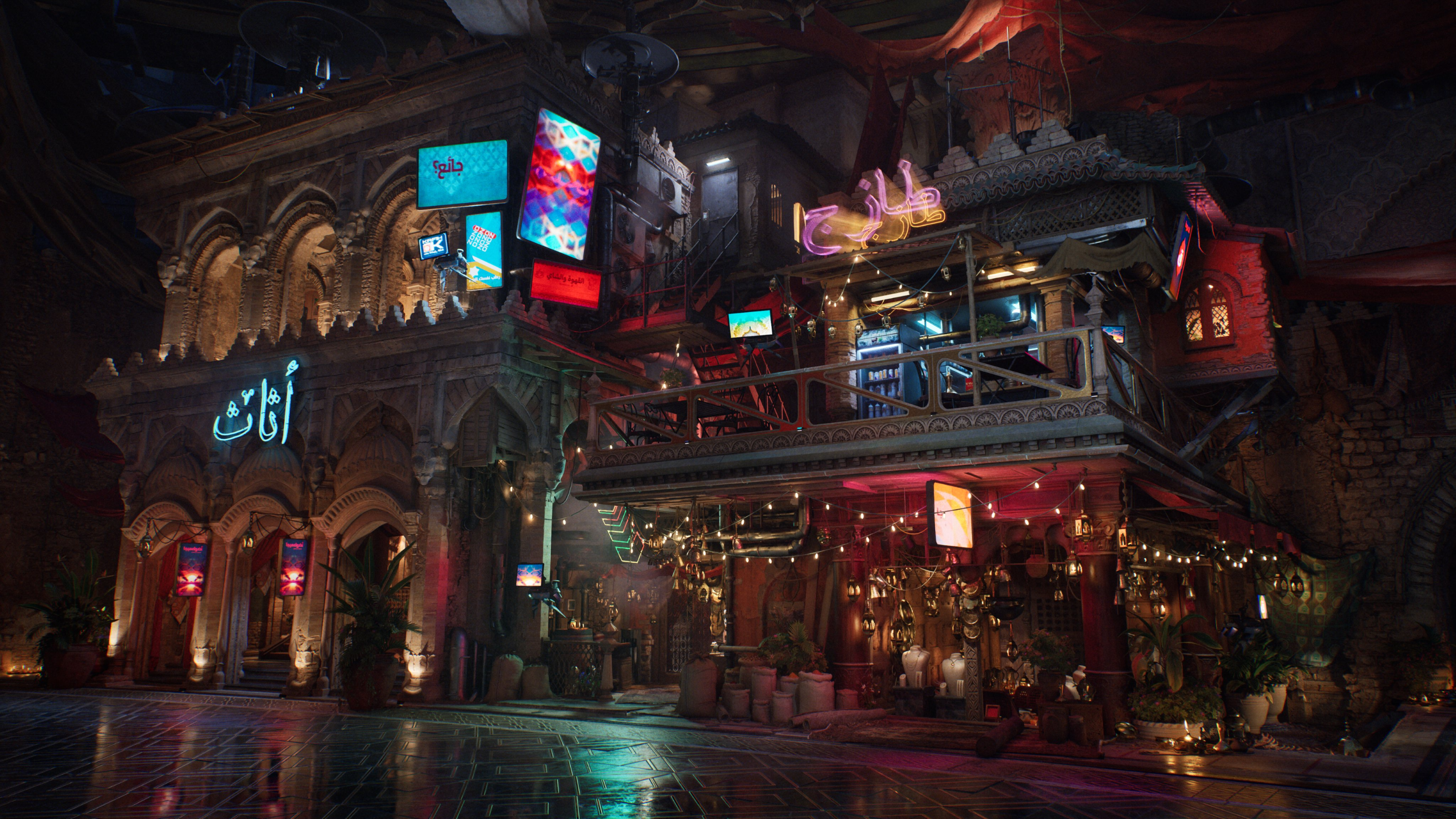
Why should I use Unreal Engine?
Unreal is a very versatile game engine. You can jump in and make a basic game in no time by using the templates and following the tutorials the engine provides. But that will usually give you a very basic and generic result, so that is something to keep in mind.
After that, Unreal offers proper tools and interfaces for different people on the team, which makes it easier for everyone to do their work in a more optimized and straightforward way.
Unreal Engine’s tools
As I said before, the tools are one of Unreal Engine’s biggest strengths. They let you do a lot of work directly inside the engine, including modeling, animation, compositing, audio design and production, level design, lighting, and much more.
The developers keep expanding that toolset and adding more systems, and overall those tools are incredibly powerful.
The render engine
Unreal’s render engine is known for many things. Some bad... and some really good.
At the end of the day, I do not think the problem is the engine itself, but more the way people use it. The default results are already good enough that many developers just leave the base settings as they are, and that contributes to a lot of games looking the “same.”
But the render engine itself is extremely powerful, and the final look can be heavily modified to better fit your project.
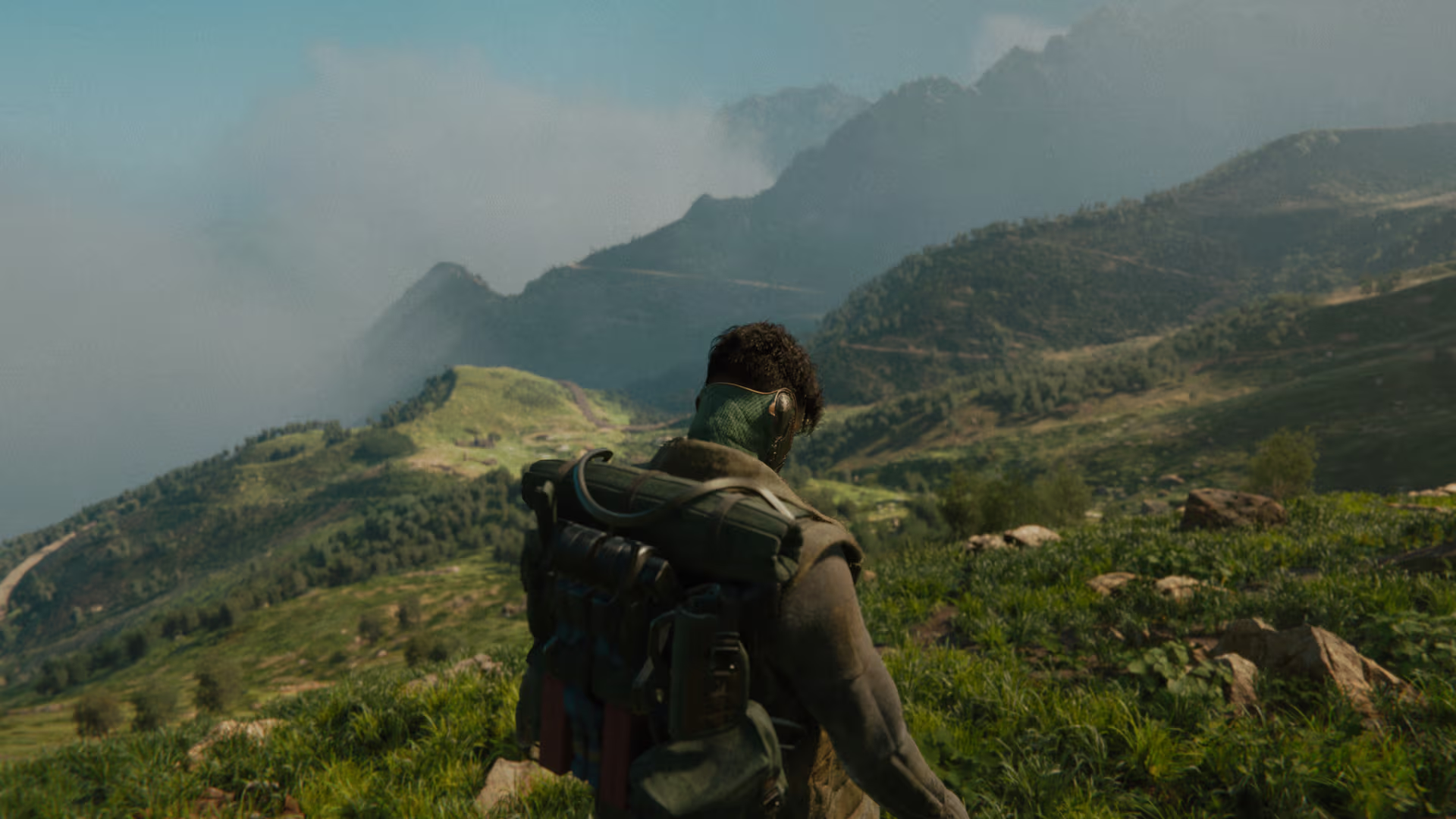
Why should I use Unity?
This one is a lot more straightforward.
Unity has some good tools, but that is not really its main strength. Unity’s real strength is how simple many parts of it are. A good developer can build their own tools, customize the pipeline, and create very optimized games in Unity.
Ease of use is one of the key reasons to use it, but there is another big one: the community.
Right now, both engines have strong communities making projects and sharing knowledge, but Unity has a more mature and complete community. That makes it easier for people who are just starting out, and also for people doing more advanced work, to learn quickly and collaborate.
That is also one of the reasons why so many indie games end up being made in Unity.
Unity’s build platforms
Another big advantage Unity has over Unreal is platform support.
Unity gives you the option to build for WebGL, PC platforms, phones, VR, and AR. That may not sound like a huge deal at first, but if you are making a demo or a proof of concept, being able to push out a web build to itch.io or similar platforms makes the game a lot more accessible.
That matters even more now, because people are often more cautious about downloading files from random platforms. A browser build lowers that barrier a lot.
What do I recommend?
Personally, I love Unreal for my own projects. That is why my portfolio is full of games made in Unreal. Its networking and toolset can make development really fast.
At the same time, getting a polished result for a full production, especially when you are still learning, can be much harder. A lot of that comes from Unreal’s steep learning curve. It is easy enough to make something simple, but scaling that project into something bigger becomes much more complex as you keep needing to learn more systems, tools, and workflows.
Unity, on the other hand, has been the preferred engine for production work in my experience. It is the engine we use at the studio where I work, and while it does miss some features, it usually does not take long for us to build the tools we need and adapt the engine to our pipeline.
I also feel like Unity gets in the way less when you are doing custom render pipelines, shaders, and more technical work overall. The documentation and the community both have enough resources and examples to help you do almost anything.
And if you are missing tools that Unreal has built in, you can often either develop them yourself or get them through third-party plugins. Is that the best solution? Not always. But to be fair, in Unreal, most of those tools only become truly useful when you are working on a larger production anyway.
Conclusion
Both Unity and Unreal are powerful, production-ready engines — neither is objectively “better” in all cases. The right choice depends on your project goals, target platforms and hardware, team skills, and timeline. Unity shines for C# developers, rapid prototyping, and broad platform reach; Unreal excels when you need top-tier visuals, C++ control, or Blueprint-driven iteration.
Before deciding, write a short GDD, define scope and targets, and prototype the core gameplay in the engine that best matches your current skills. If you’re on a team, factor in everyone’s experience and the available tooling/assets. Ultimately, pick the engine that minimizes learning friction and maximizes your ability to finish the game — you’ll get farther by shipping a solid project in the tool that fits you than by chasing an abstract “better” engine.
Or do the crazy dev path of creating your own engine
Useful links!
How to Decide Which Engine is Right for You
Unreal Engine - https://www.unrealengine.com/
Unity Engine - https://unity.com
share:
[RELATED_POSTS]
Continue Reading
Game Dev
How to Set Up EOS Integration Kit in Unreal Engine 5
Learn to set up the EOS Integration Kit in Unreal Engine 5 for seamless Epic Online Services integration
2024-12-18•9 min read
Game Dev
Boost Your Unreal Engine Game: Best EOS Plugin Options
Discover top EOS plugins to enhance your Unreal Engine game development with easier multiplayer implementation and cross-platform support
2024-12-01•4 min read
Game Dev
How to Decide Which Engine is Right for You
Choose the right game engine by assessing project scope, team expertise, and community support. Explore popular engines' strengths and features
2024-11-19•9 min read